What is Python Flask?

Brief History of Python Flask
Flask was created by Armin Ronacher of Pocoo, an international group of Python enthusiasts formed in 2004.According to Ronacher, the idea was originally an April Fool's joke that was popular enough to make into a serious application.The name is a play on the earlier Bottle framework.
Flask has become popular among Python enthusiasts. As of October 2020, it has the second-most number of stars on GitHub among Python web-development frameworks, only slightly behind Django,and was voted the most popular web framework in the Python Developers Survey for years between and including 2018 and 2022.
Why use Flask?
Flask provides developers with the freedom to choose the components they need for their project. Unlike monolithic frameworks, Flask allows developers to cherry-pick extensions and libraries according to their requirements, resulting in more tailored and efficient solutions.
Lightweight - Flask is a lightweight framework because it is independent of external libraries and it gives a quick start for web development having complex applications.
Flexibility - Flask provides developers with the freedom to choose their tools and libraries, allowing for a tailored development experience for web development companies.
Can scale small projects to more complex application - Flask provides a clear path to scale a small project to a large, complex web application by giving developers full control over their codebase, while offering a rich ecosystem of tools to extend its capabilities as needed.
Basic Commands
- Step by step guide on how to make a simple python flask application.
Create a new folder where will you save your Python Flask

Go to that folder using command prompt use cd for change directory or folder and dir to list the folder or files
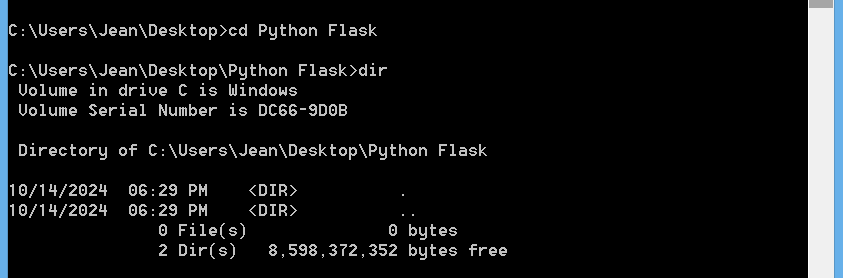
Check your python and pip version using this commands

Create a virtual environment using this command

Check your virtual environment
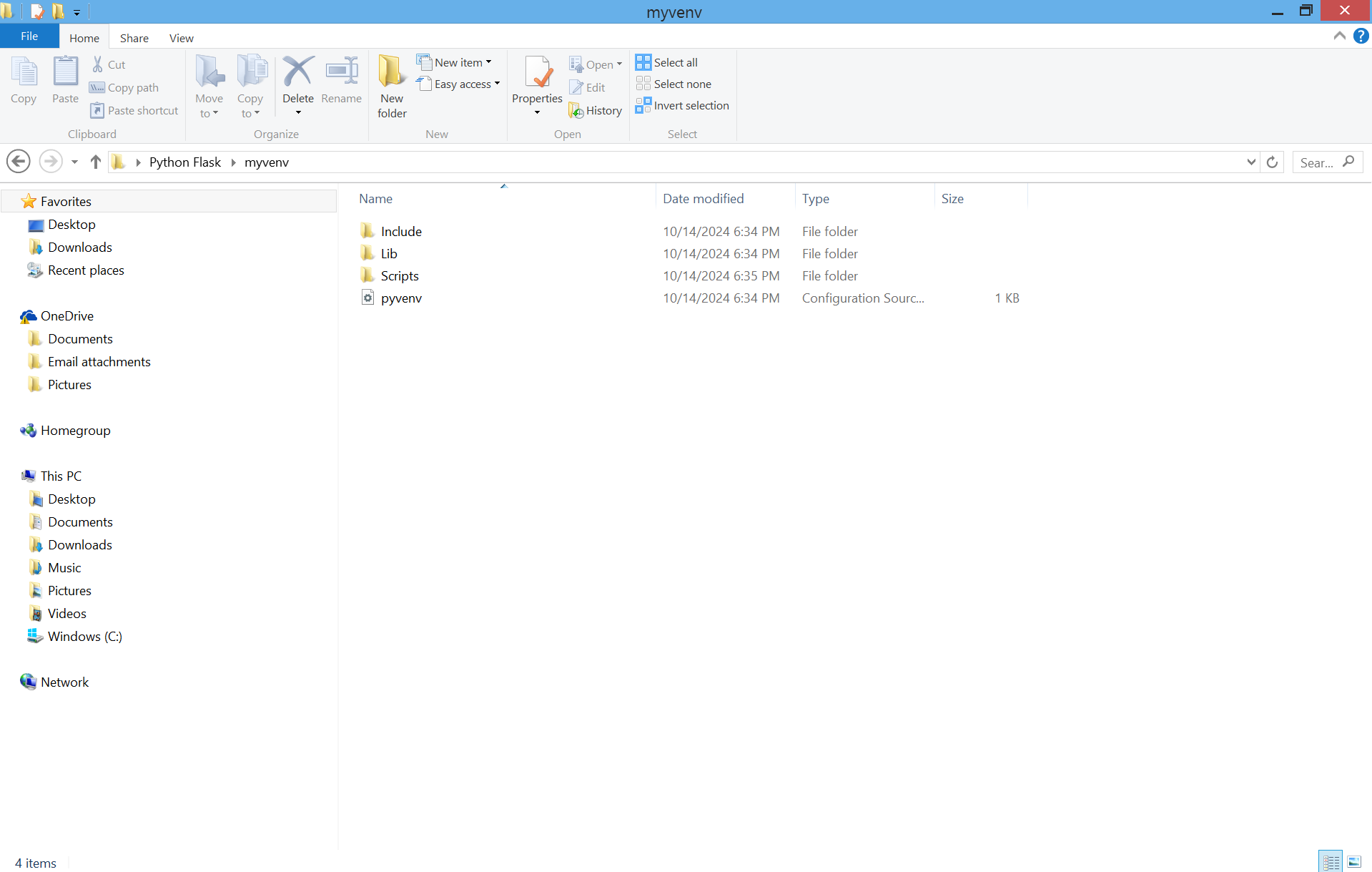
Activate the virtual environment using this command

Install Flask using this command
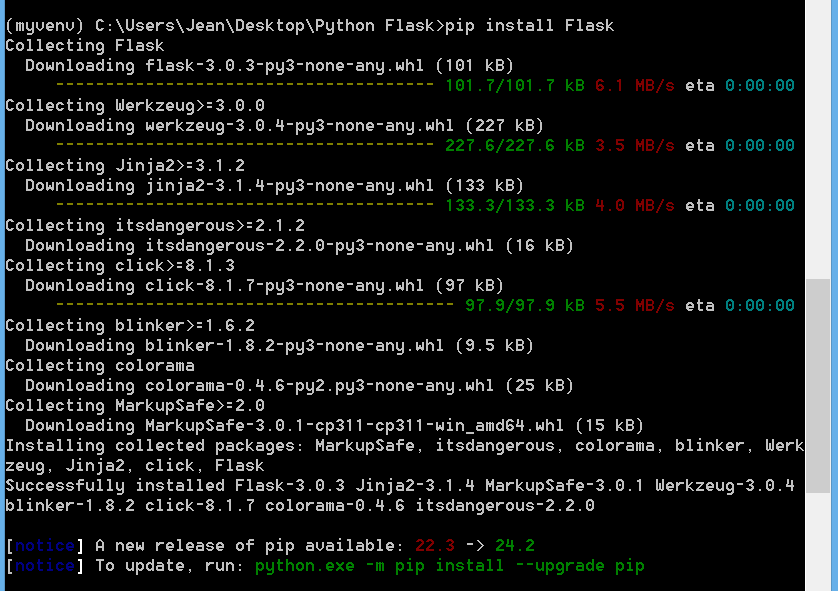
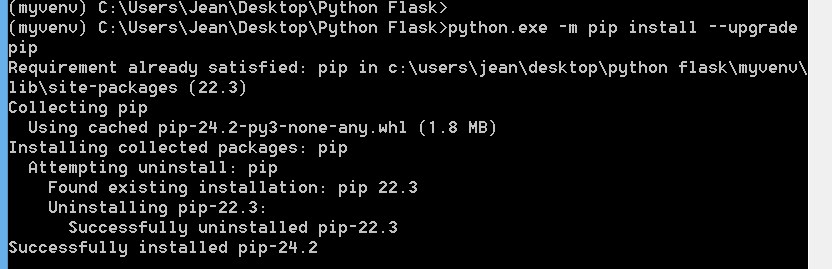
When you see to update just copy it to your command prompt to update
Add .gitignore file to your virtual environment using this command

Add this text to your .gitignore file
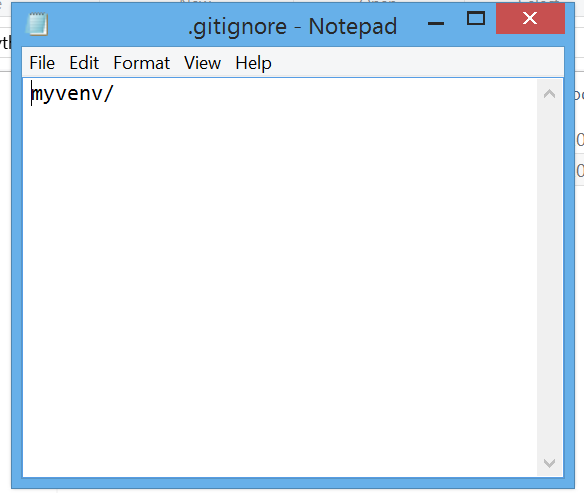
Open the project any ide you want or text editor i used vs code and i used to command to open it from the command prompt

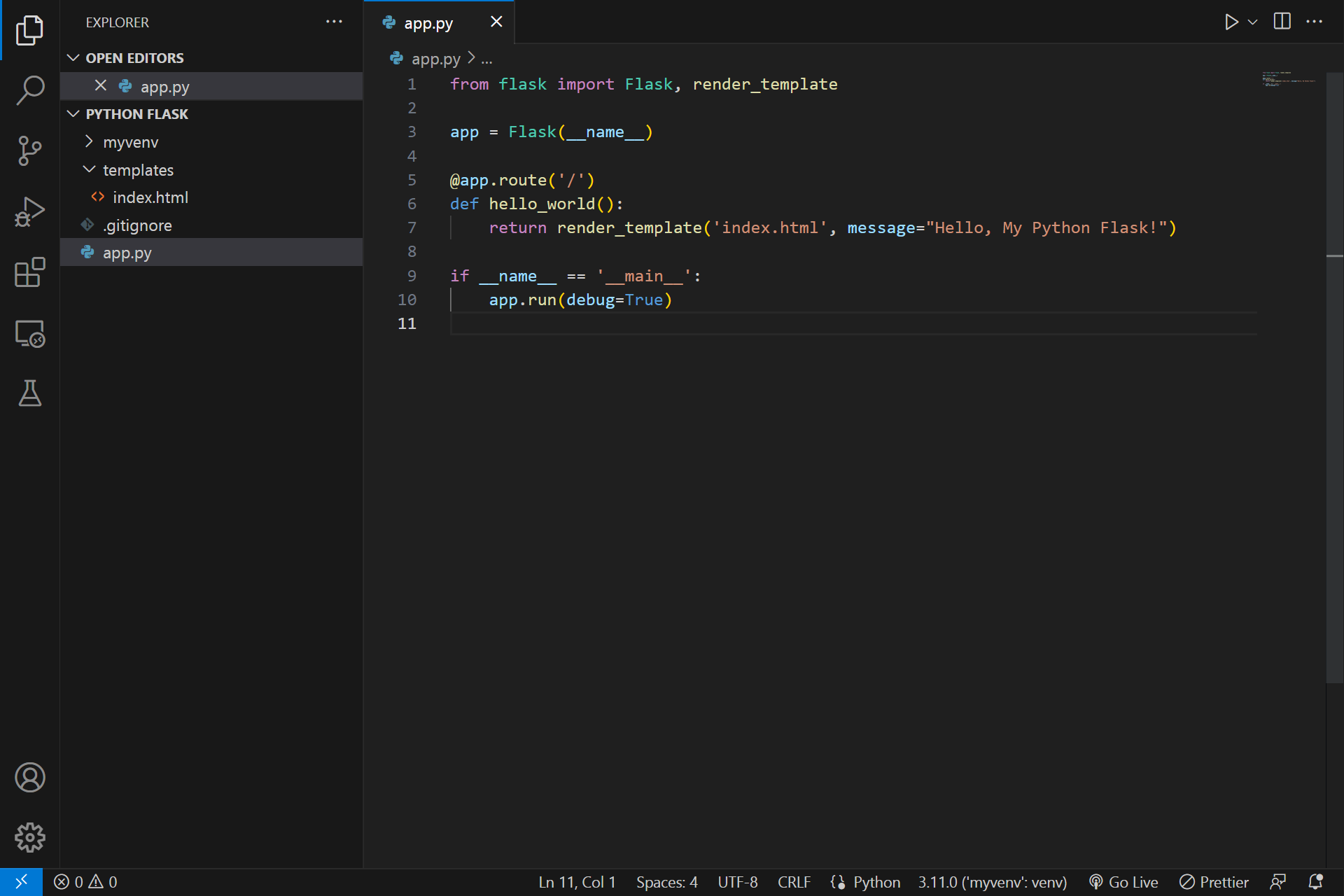
Create an app.py to your project
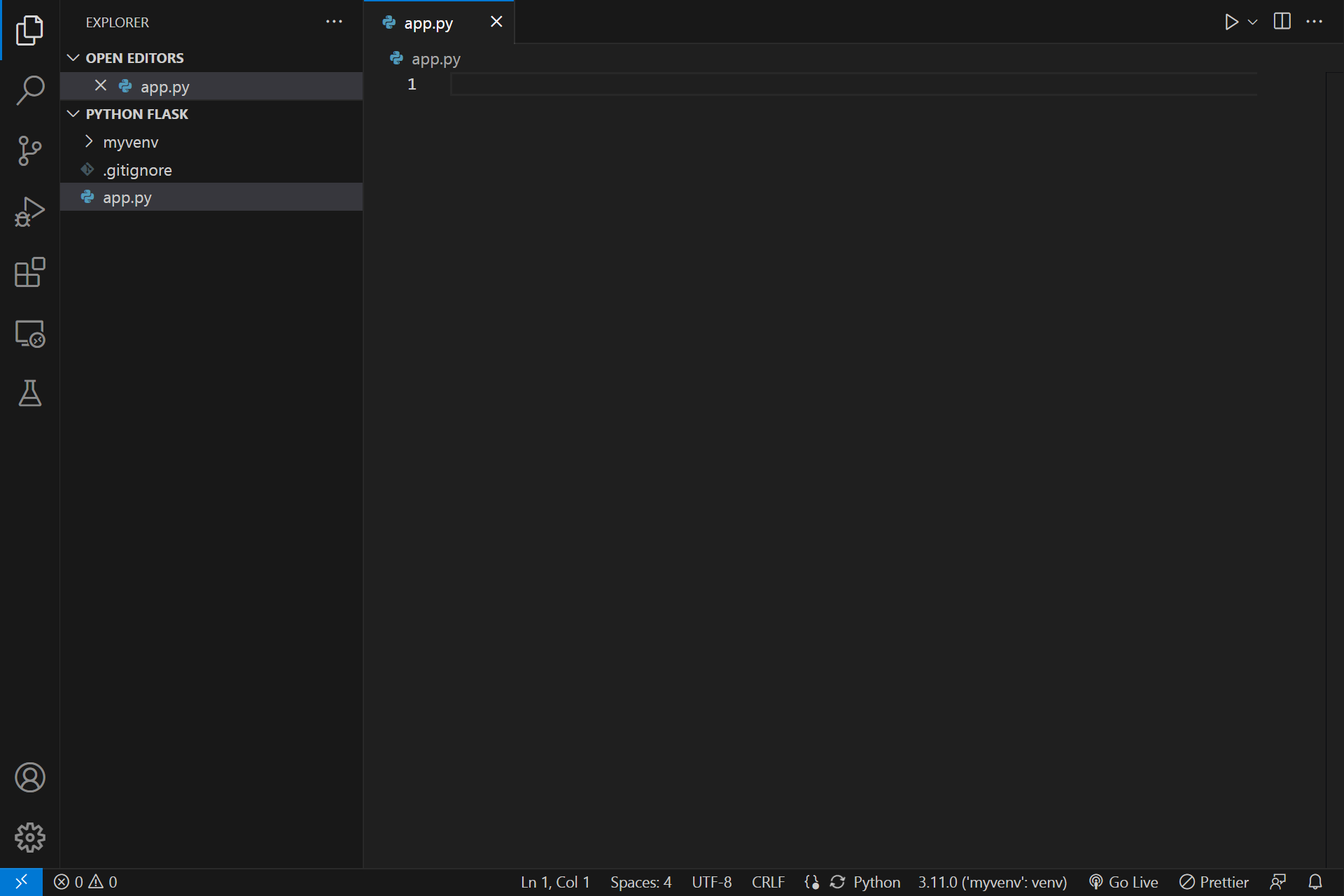
Create a templates folder
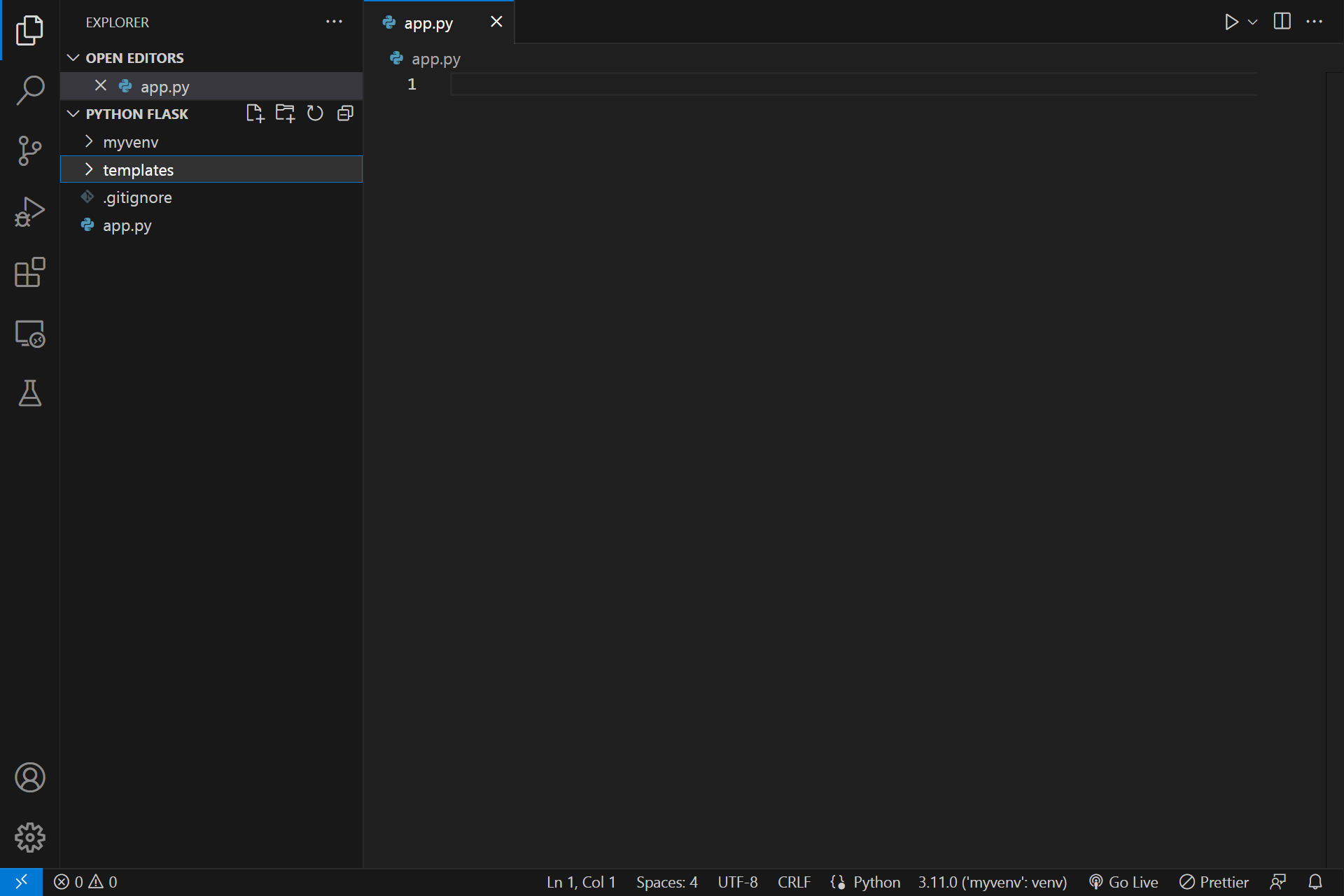
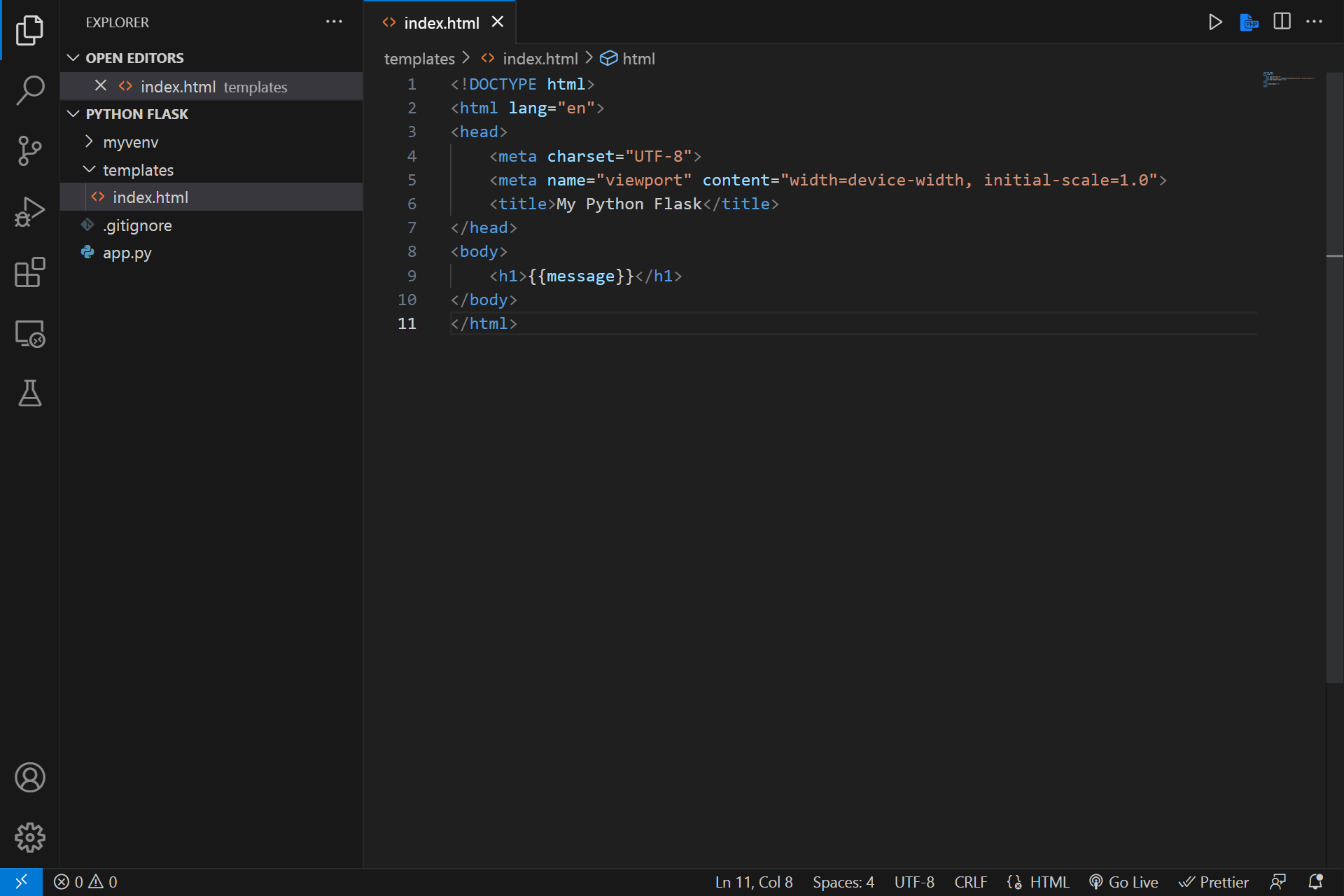
Add index.html to your templates folder
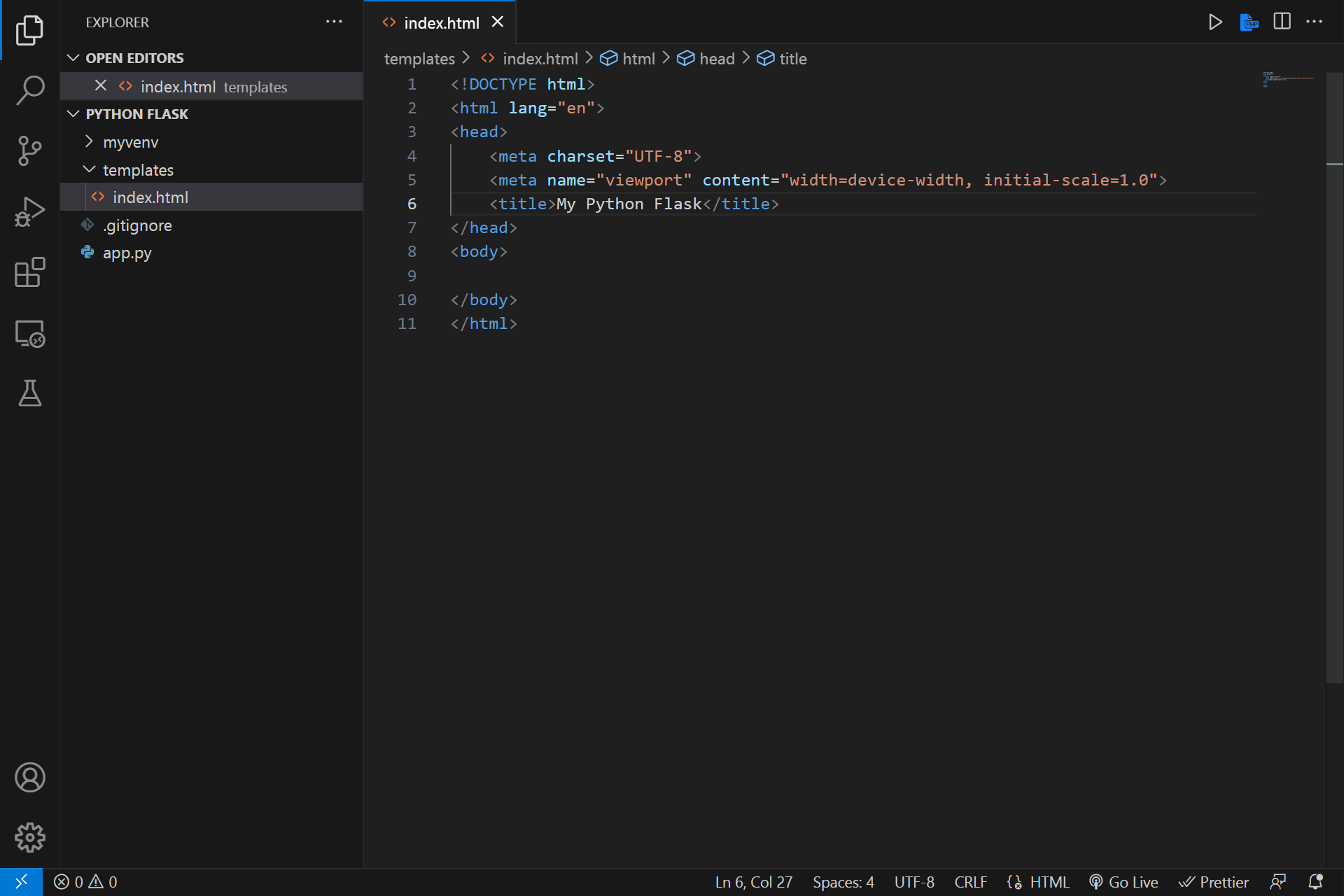
Add this code to your app.py and you can change the message variable anything you want
Add h1 tag or any html tag you want to print the message variable
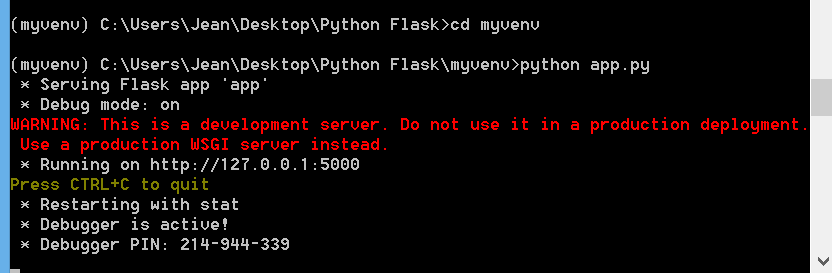
Go to your virtual environment and run this command to run your python flask app and copy the link
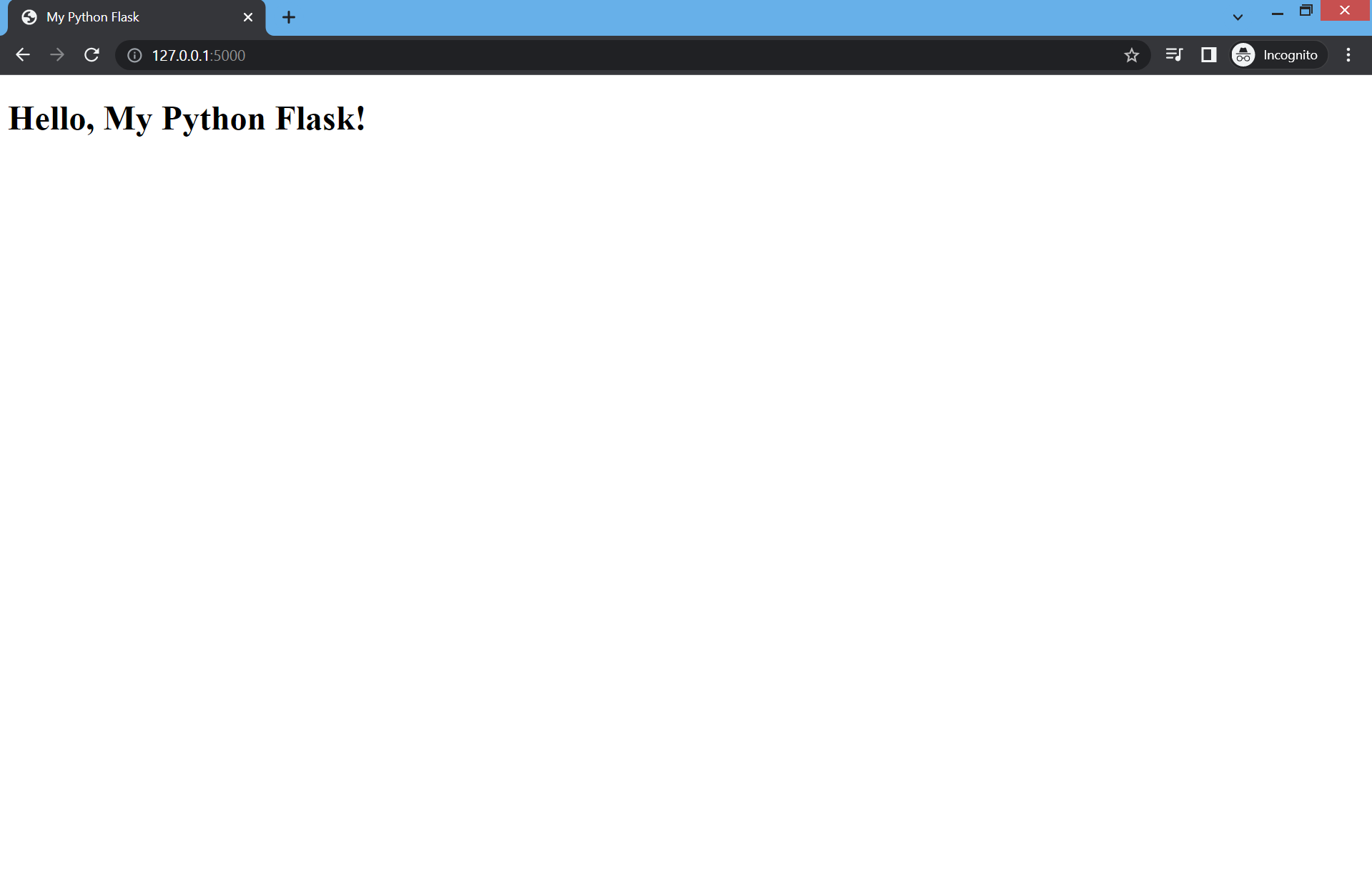
Now paste the link and you will see the result
Flask Routing
App routing is the technique used to map the specific URL with the associated function intended to perform some task. The Latest Web frameworks use the routing technique to help users remember application URLs. It is helpful to access the desired page directly without navigating from the home page
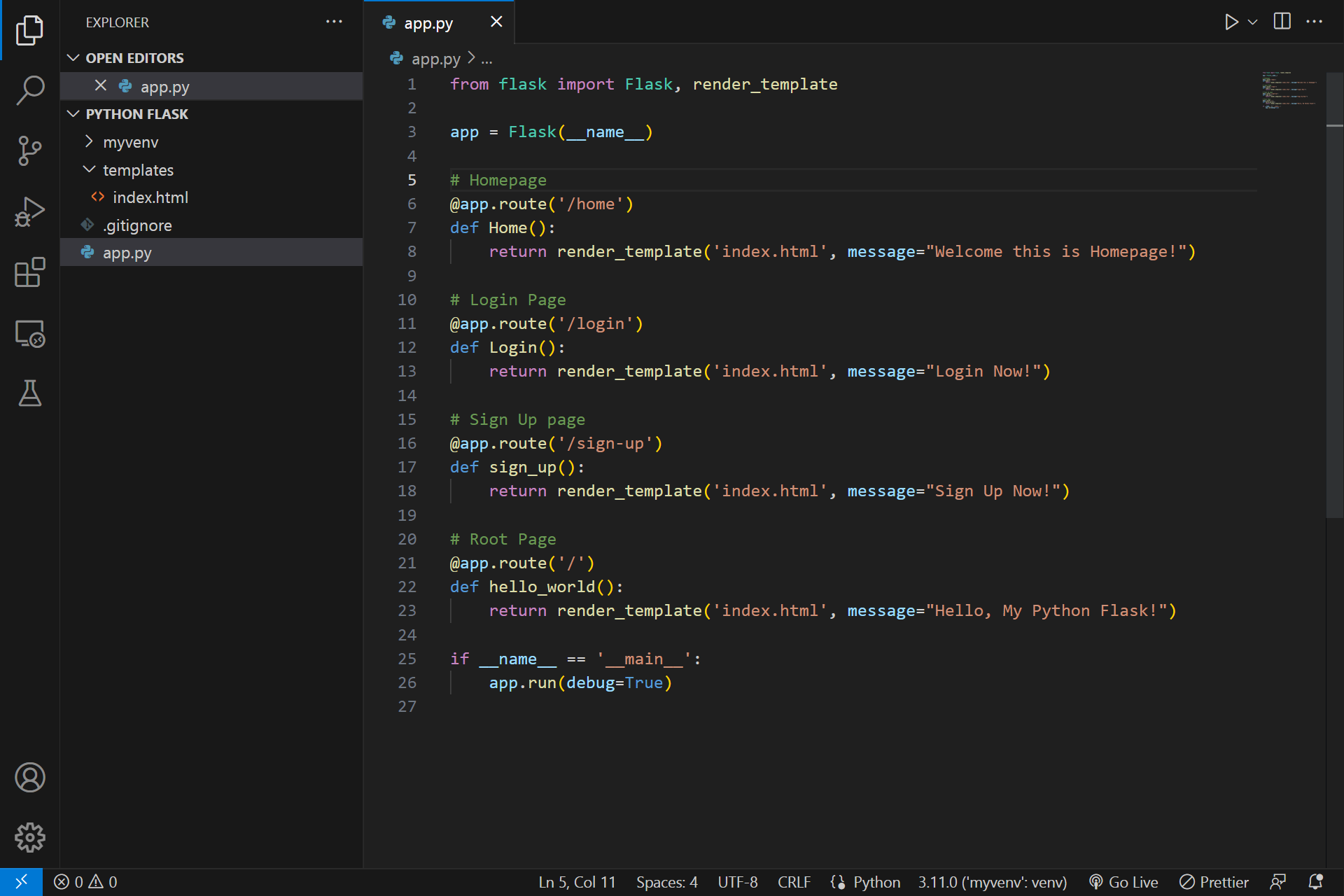
To create multiple flask routing edit your app.py add homepage, login and sign-up routing
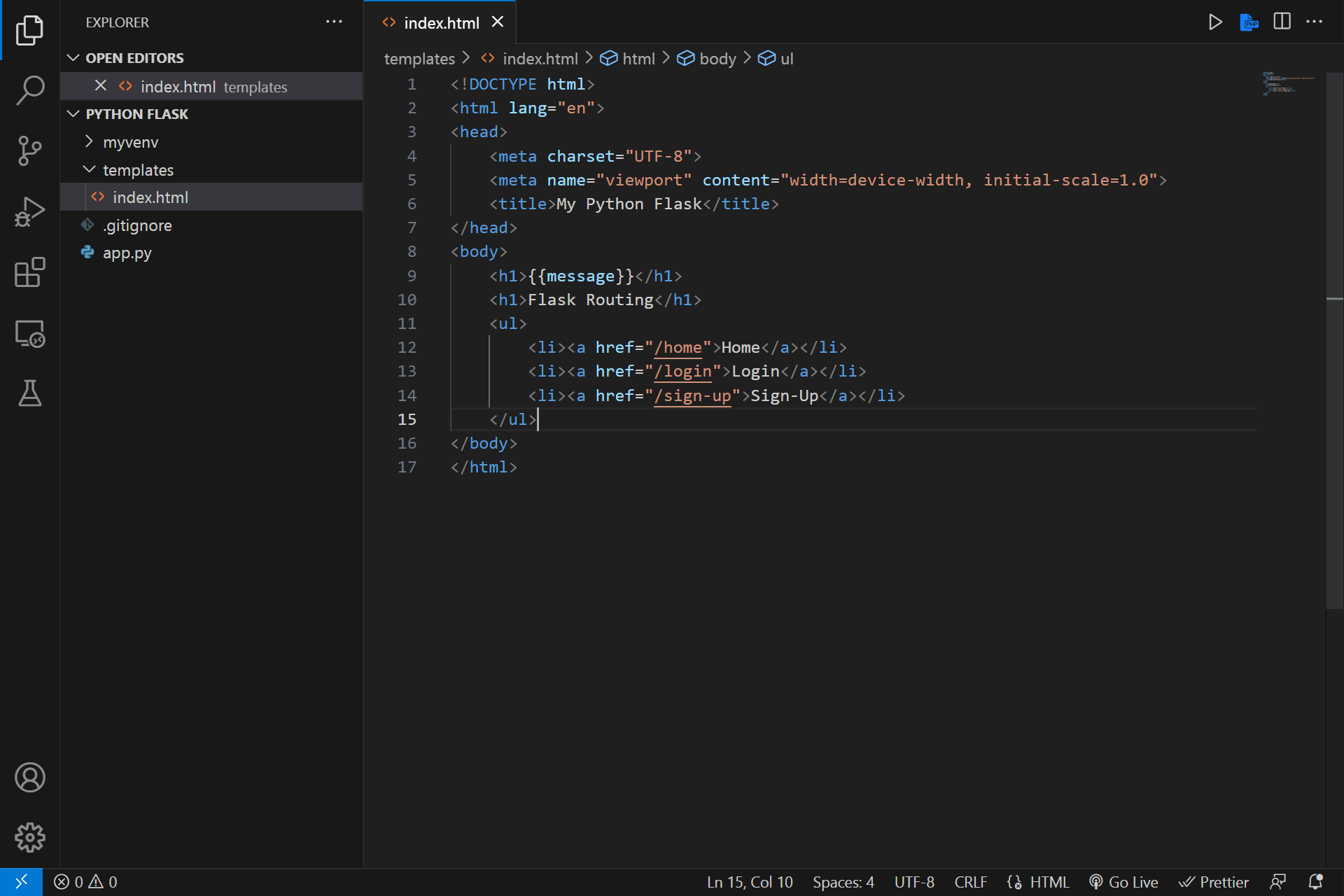
Edit also your index.html file and add new h1 tag, unordered and ordered list
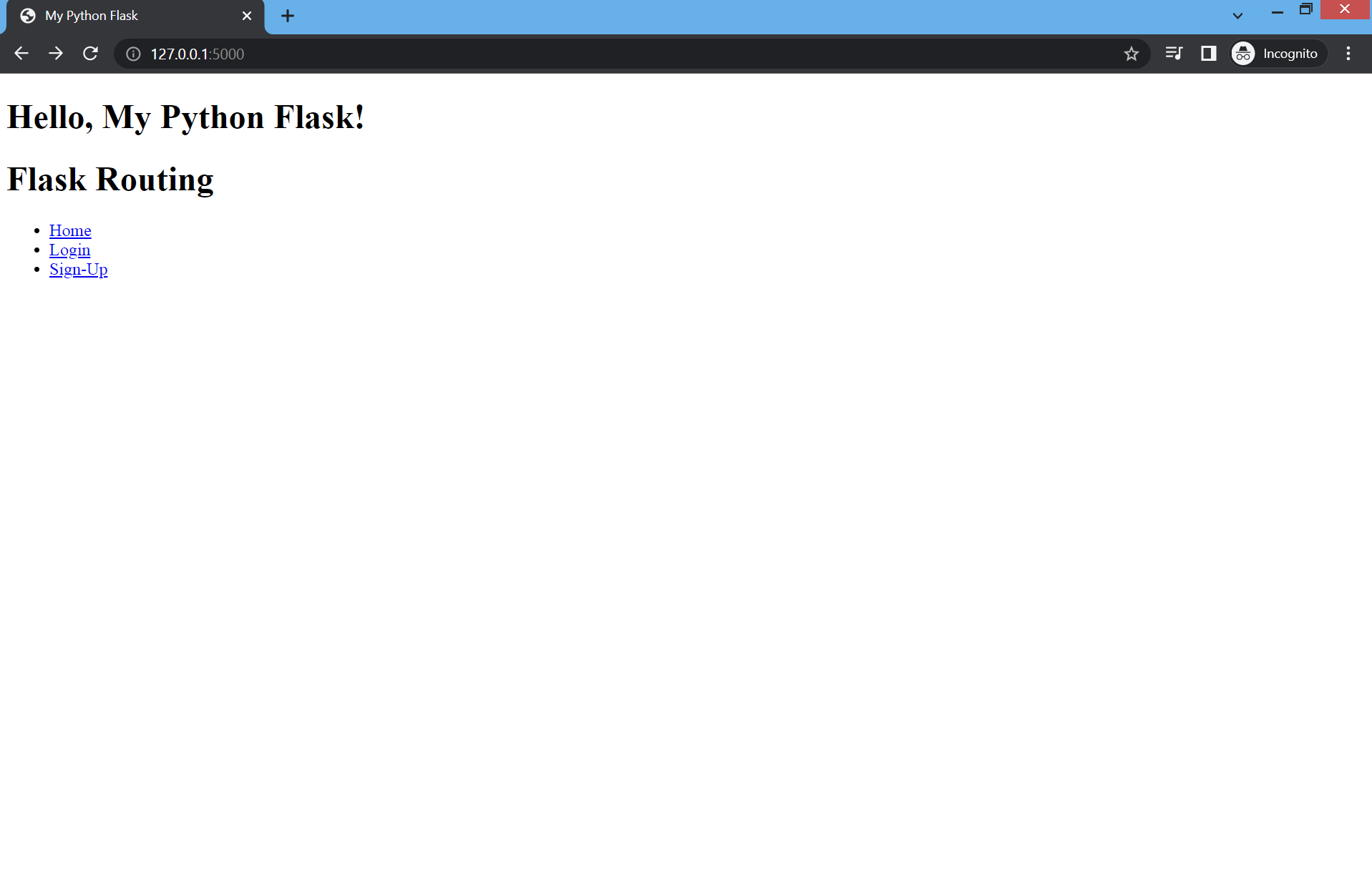
Go back to your project file and run the python app.py and see the result
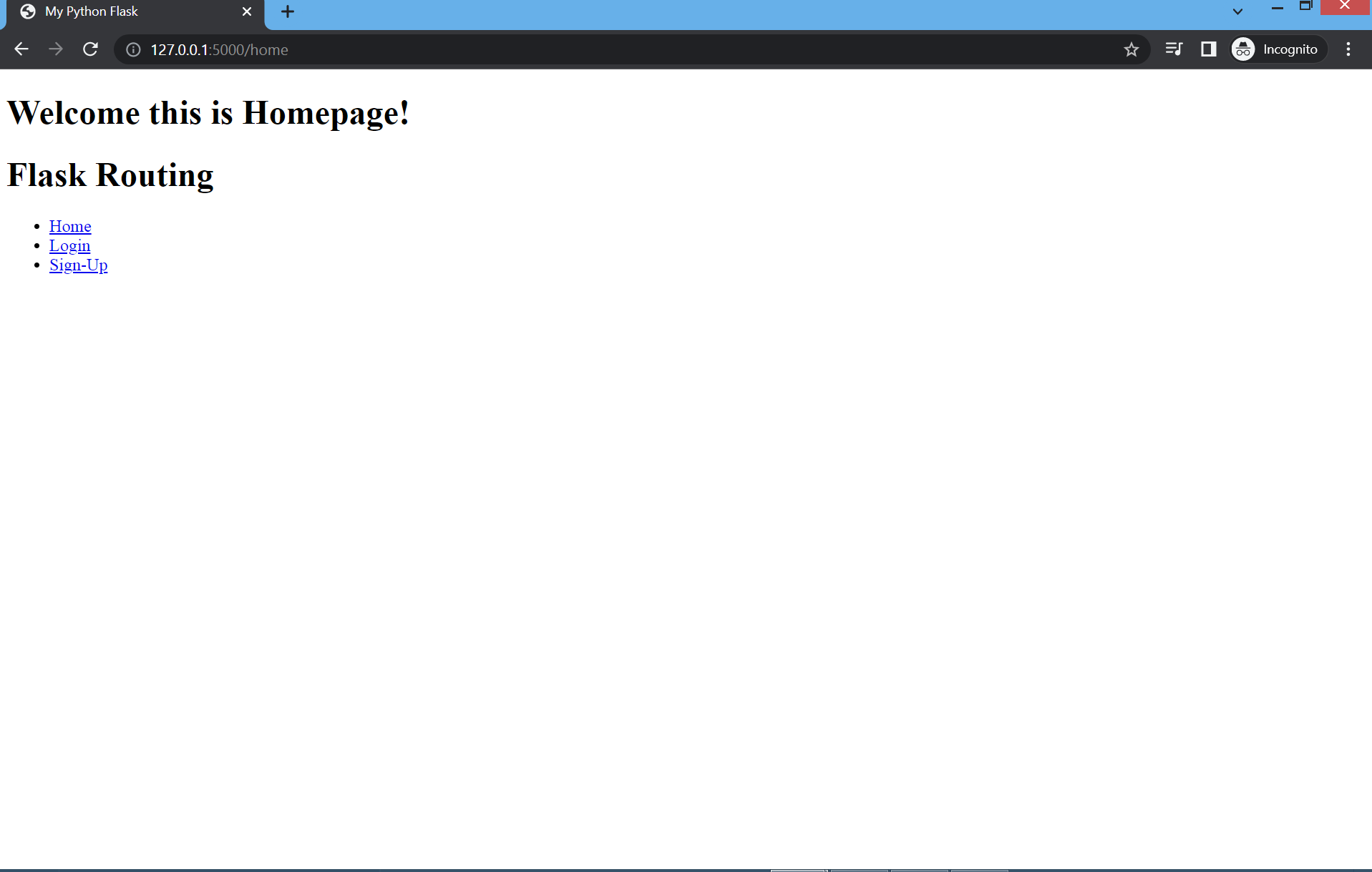
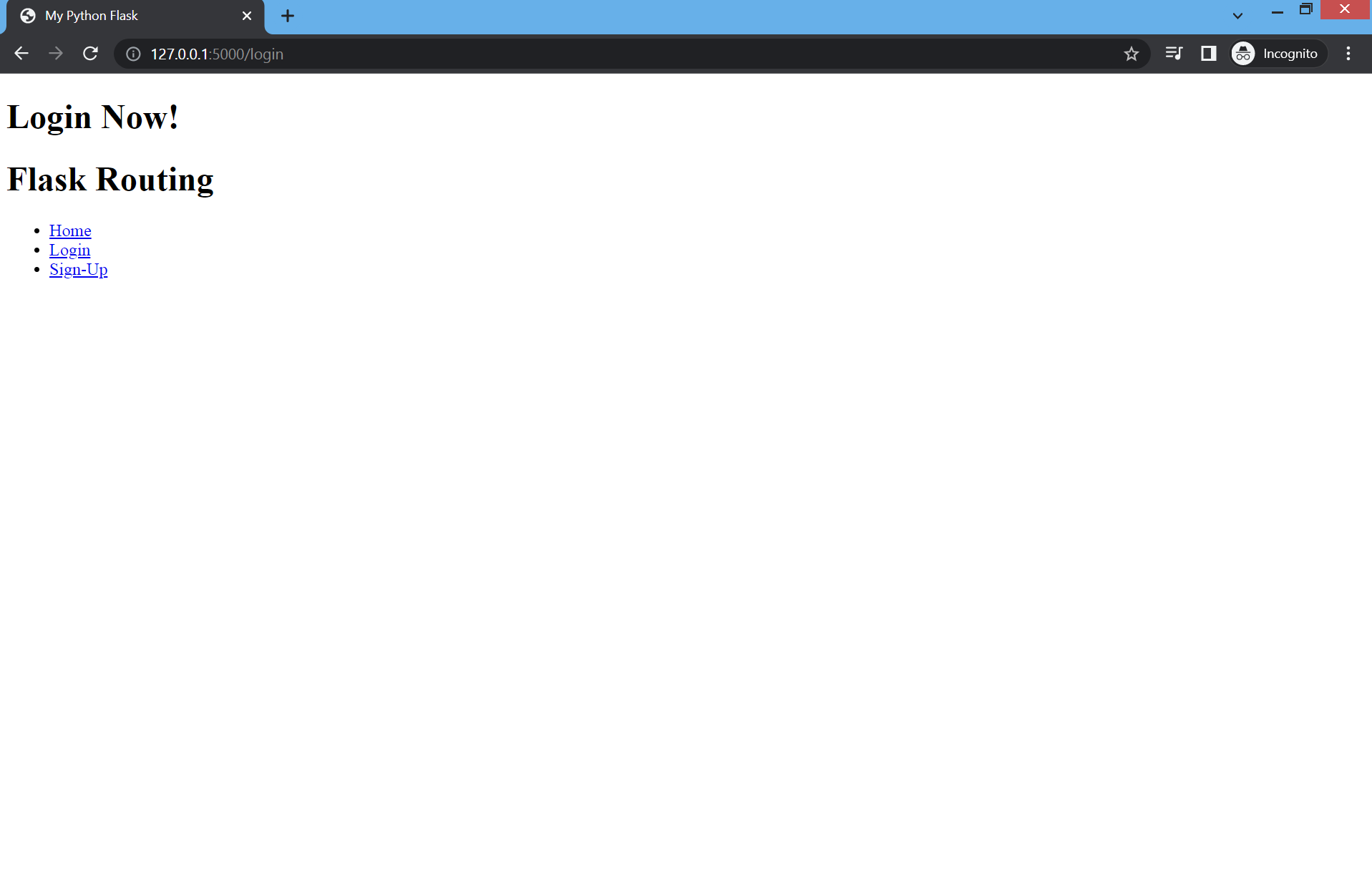
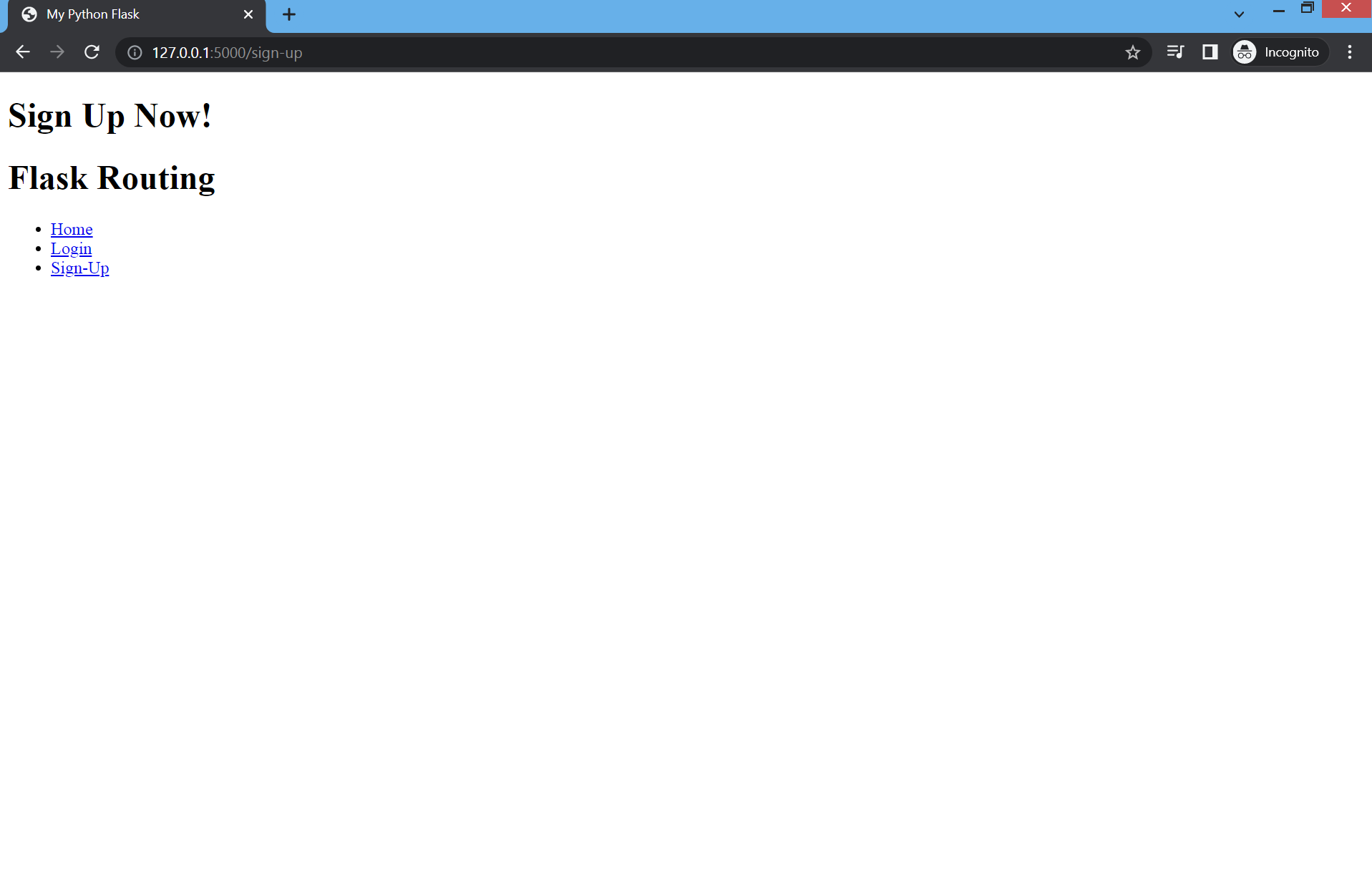
Click the home, login and sign-up to see the result
Flask Templates
Jinja2 is one of the most used Web template engines for Python. This Web template engine is a fast, expressive, extensible templating engine. Jinja2 extensively helps to write Python code within the HTML file.
To add functionality to your login and sign up flask routing update your app.py code add this code:
# Check if the email duplicate or not
def email_duplicate(email):
    try:
        # open the database text file
        with open('database.txt','r') as file:
            # read the database text file line
            lines = file.readlines()
            # loop through database text file
            for line in lines:
                # check if Email : does exist
                if "Email:" in line:
                    # Split the email
                    theEmail = line.split("Email:")[1].strip()
                    # check if email does duplicate
                    if theEmail == email:
                        return True
    # check if file found
    except FileNotFoundError:
        return False

# Check if password exist or not
def check_password(password):
    try:
        # open the database text file
        with open('database.txt','r') as file:
            # read the database text file line
            lines = file.readlines()
            # loop through database text file
            for line in lines:
                # check if Password : does exist
                if "Password:" in line:
                    # Split the password
                    thePassword = line.split("Password:")[1].strip()
                    # check if password does exist
                    if thePassword == password:
                        return True
    # check if file found
    except FileNotFoundError:
        return False


# Check if the email exist or not
def check_email(email):
    try:
        # open the database text file
        with open('database.txt','r') as file:
            # read the database text file line
            lines = file.readlines()
            # loop through database text file
            for line in lines:
                # check if Email : does exist
                if "Email:" in line:
                    # Split the email
                    theEmail = line.split("Email:")[1].strip()
                    # check if email does exist
                    if theEmail == email:
                        return True
    # check if file found
    except FileNotFoundError:
        return False


# Sign Up form
@app.route('/submit_signup', methods=['POST'])
def register():

    # variables
    user = request.form.get('username')
    email = request.form.get('email')
    password = request.form.get('password')
    cpassword = request.form.get('cpassword')

    # check if the user add all the needed data in th fields
    if(user != '' and email !='' and password !='' and cpassword !=''):
        # check if the password is same to confirm password
        if(password == cpassword):
             # check if the email is duplicate
             if(email_duplicate(email)):
                return "The email exist please try another one!"
             else:
                 # write the data inside database text file
                 with open('database.txt','w') as file:
                    file.write("Username: " +user + "\n")
                    file.write("Email: " +email + "\n")
                    file.write("Password: " +password + "\n")
                    file.close()
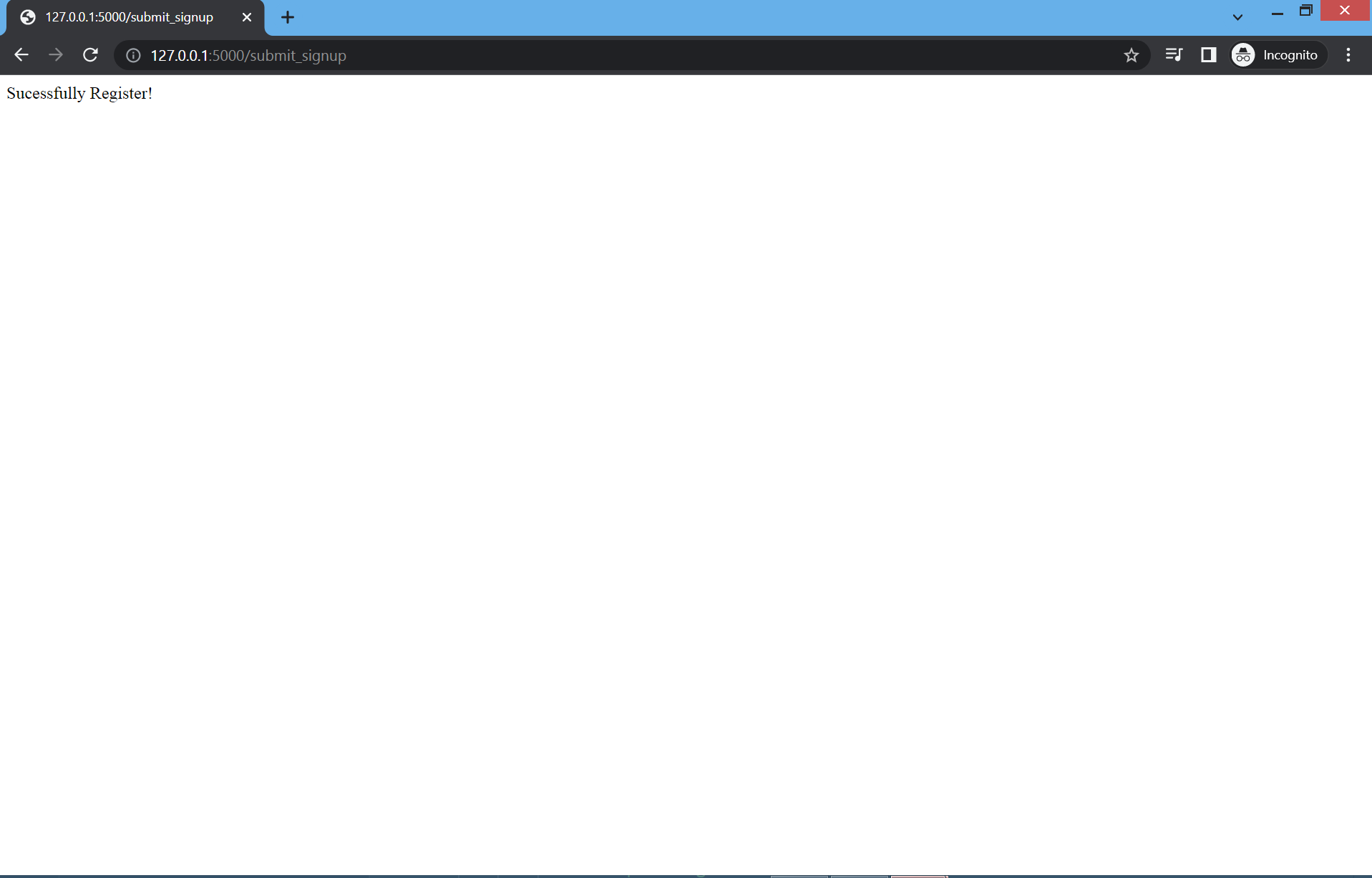
                    return "Sucessfully Register!"
        # password is not matched
        else:
            return "Password is not Matched!"
    # add all the needed data in the fields
    else:
        return "Please Add all the needed data in the fields!"

# Login form
@app.route('/submit_login', methods=['POST'])
def login():

     # variables
     email = request.form.get('email')
     password = request.form.get('password')

     # logic
     if(email!='' and password!=''):
        if check_email(email) and check_password(password):
            return "Login Sucessfully!"
        else:
            return "Incorrect Email or Password!"
     else:
         return "Please Add all the needed data in the fields!"
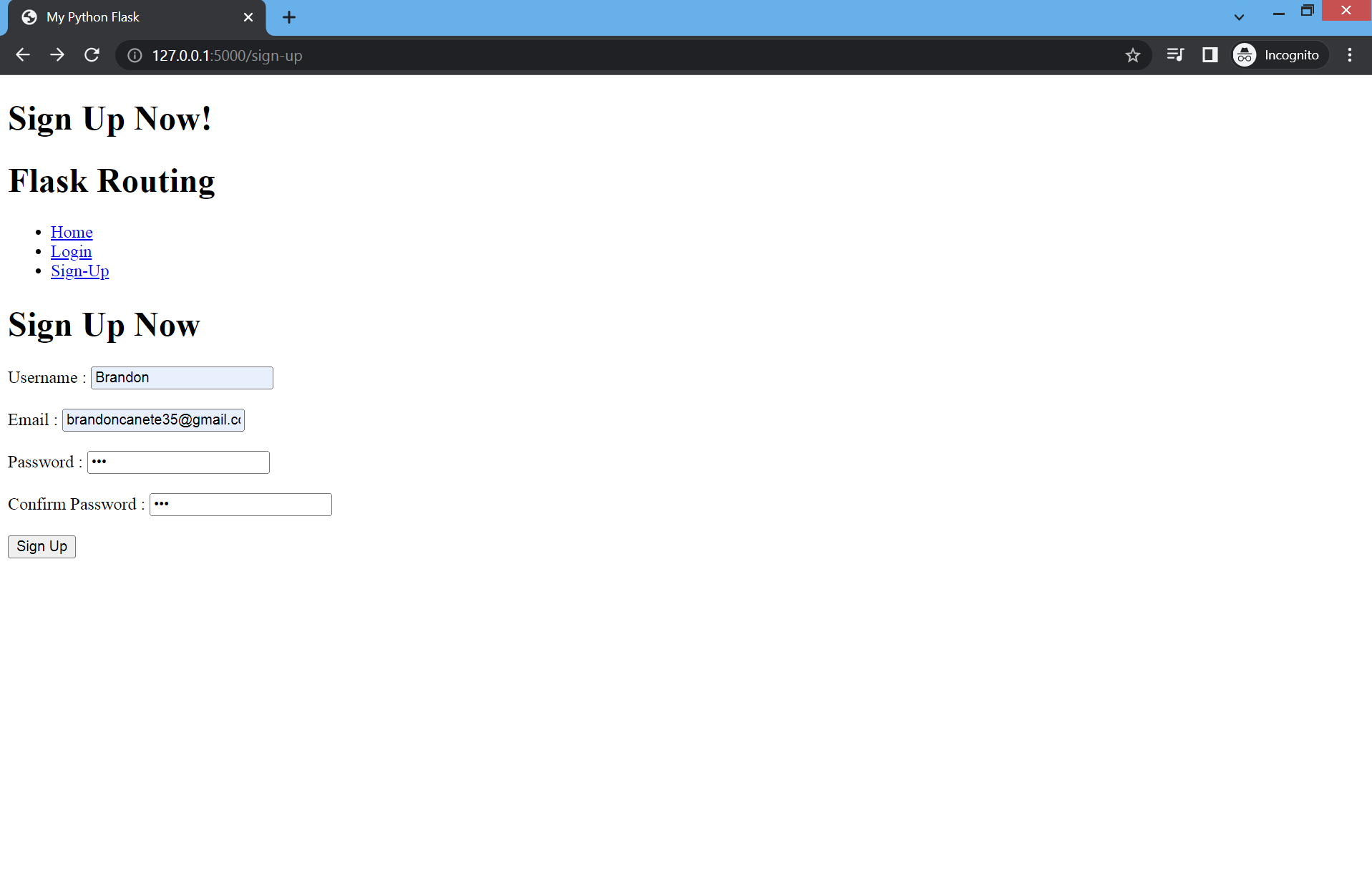
Also update your index.html template add this code to your body tag
{% if message == "Sign Up Now!" %}
        <div>
            <form action="/submit_signup" method="post">
                <h1>Sign Up Now</h1>
                <label for="username">Username : </label>
                <input type="text" name="username" placeholder="Enter username">
                <br>
                <br>
                <label for="email">Email : </label>
                <input type="email" name="email" placeholder="Enter email address">
                <br>
                <br>
                <label for="pasword">Password : </label>
                <input type="password" name="password" placeholder="Enter password">
                <br>
                <br>
                <label for="cpassword">Confirm Password :</label>
                <input type="password" name="cpassword" placeholder="Enter confirm password">
                <br>
                <br>
                <input type="submit" value="Sign Up">
                <h1>{{alert}}</h1>
            </form>
        </div>
    {% endif %}

    {% if message == "Login Now!" %}
        <div>
            <form action="/submit_login" method="post">
                <h1>Login Now</h1>
                <label for="email">Email Address : </label>
                <input type="email" name="email" placeholder="Enter email address">
                <br>
                <br>
                <label for="password">Password : </label>
                <input type="password" name="password" placeholder="Enter your password">
                <br>
                <br>
                <input type="submit" value="Login">
            </form>
        </div>
    {% endif %}
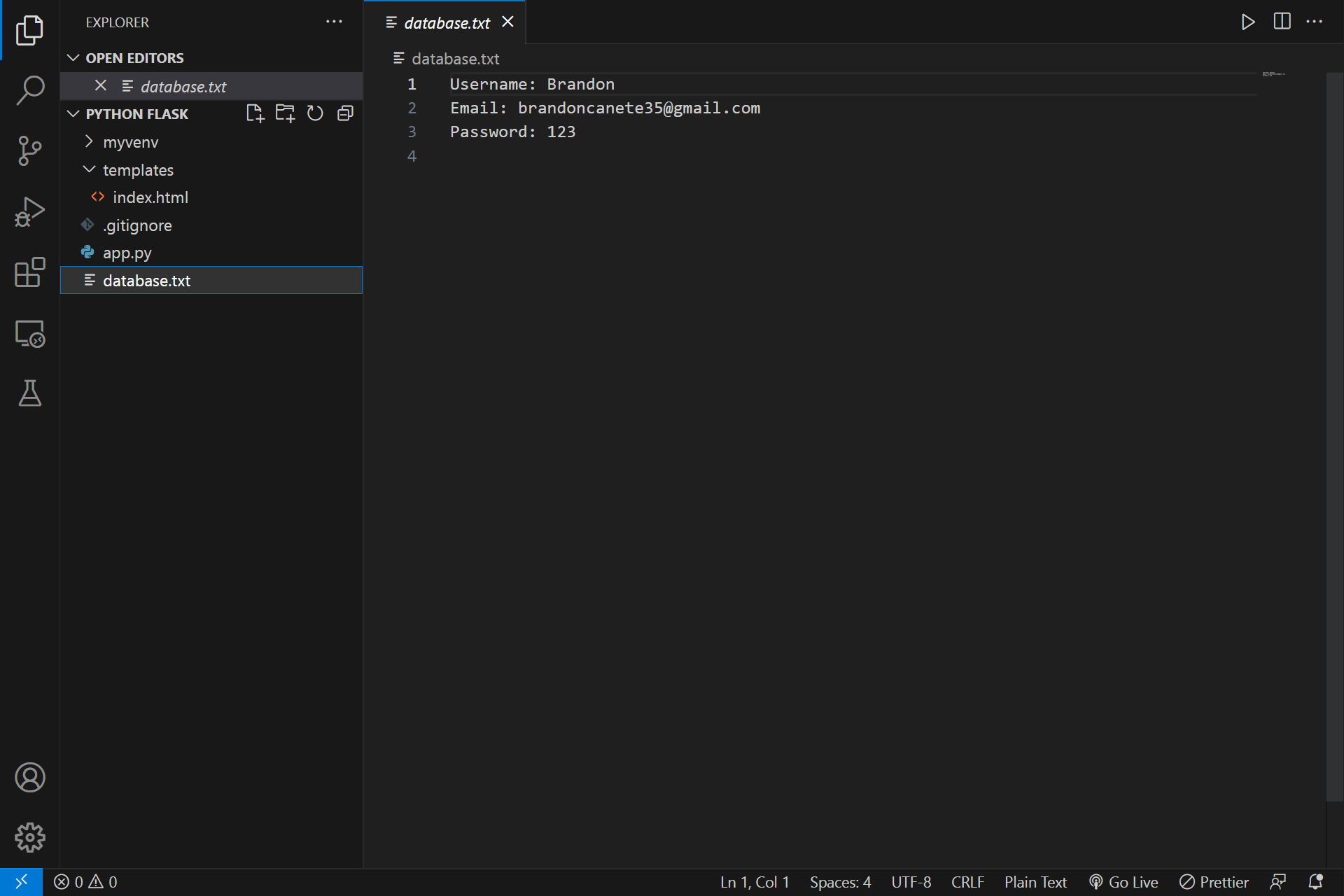
This code will probably make a database.txt file and save your data from your inputs in the sign up flask routing and then when you login the correct credentials it will sucessfully login and if not then it will says your credential is incorrect. The result will be like this:
if you go to the sign up flask routing you will see this
And then if all the fields are added and the password and confirm password is same you will see this message
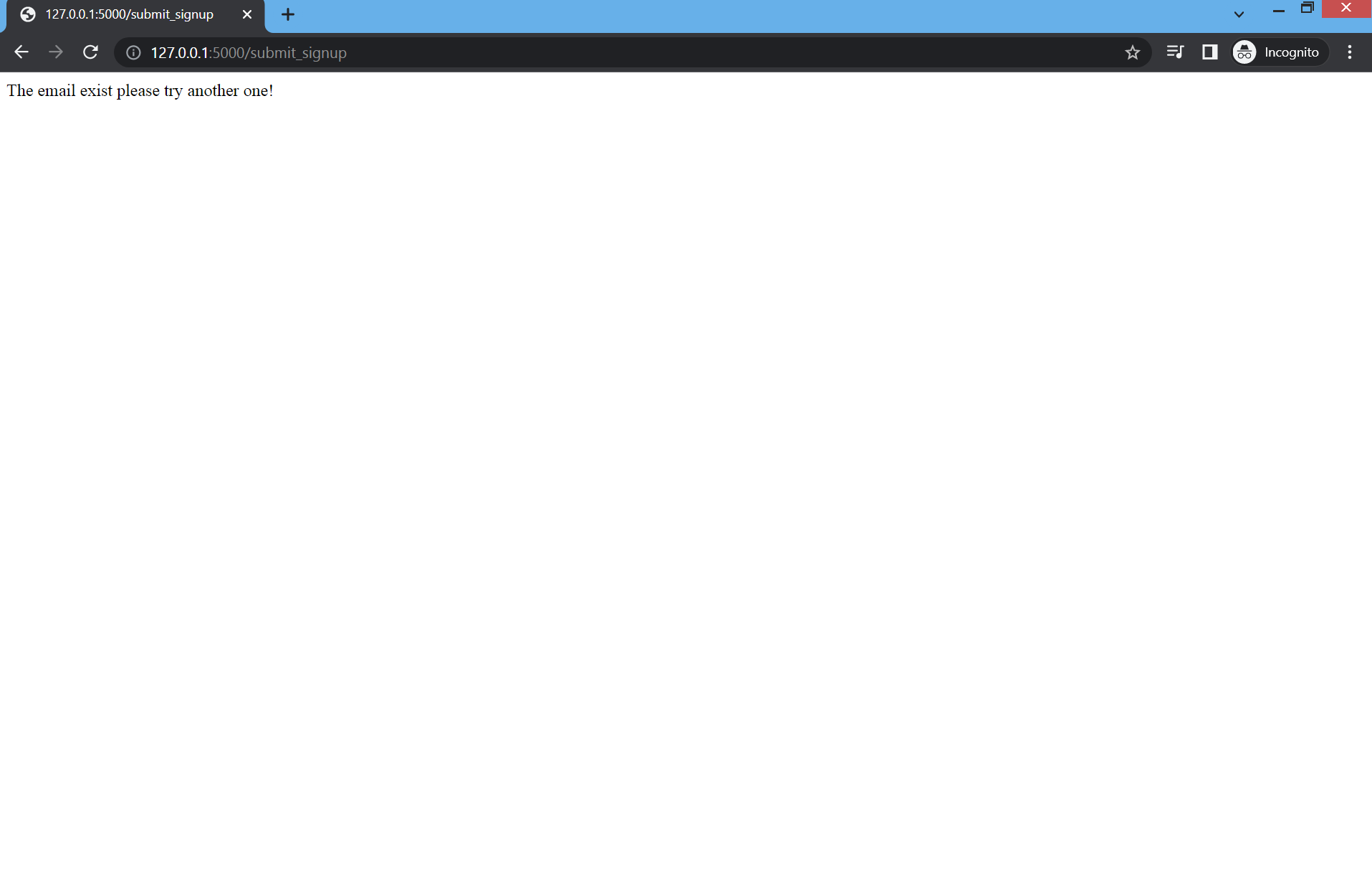
And if you use your email again to sign up it will say this message
And if you go back to your python flask application you will see the database.txt file with data like this
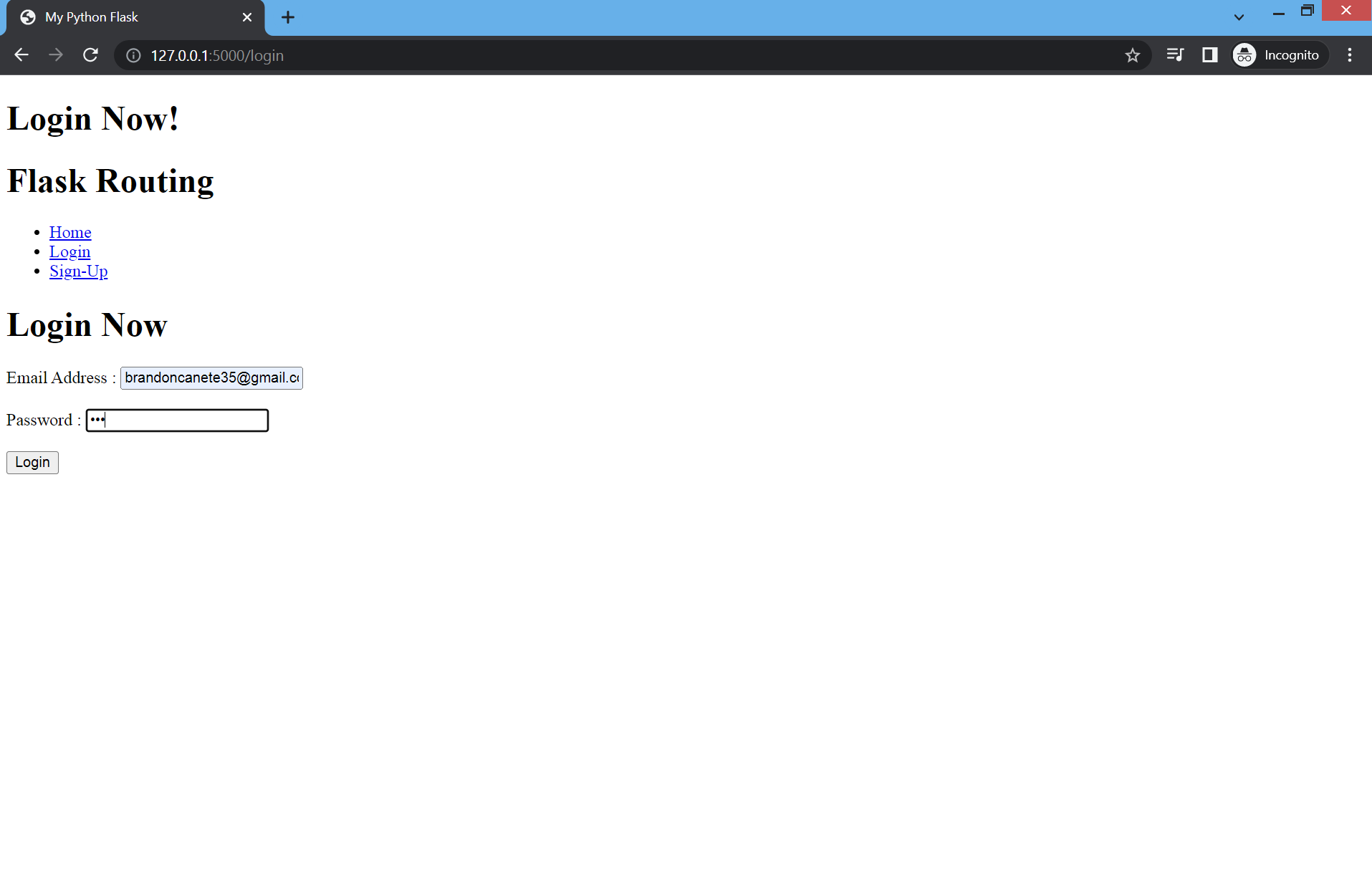
Now if you go to your login flask routing you will see this
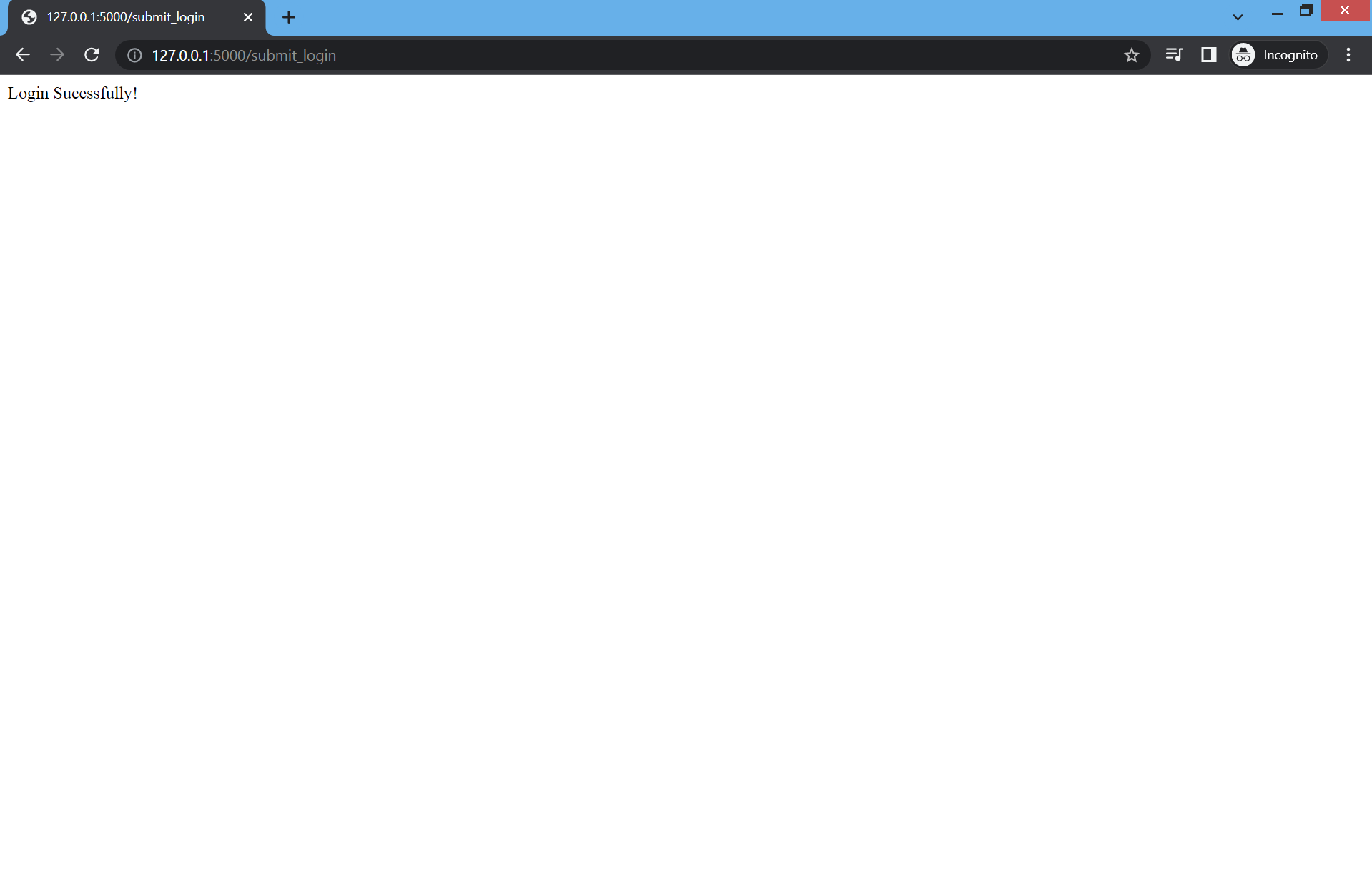
If you add the correct email and password you will see this message
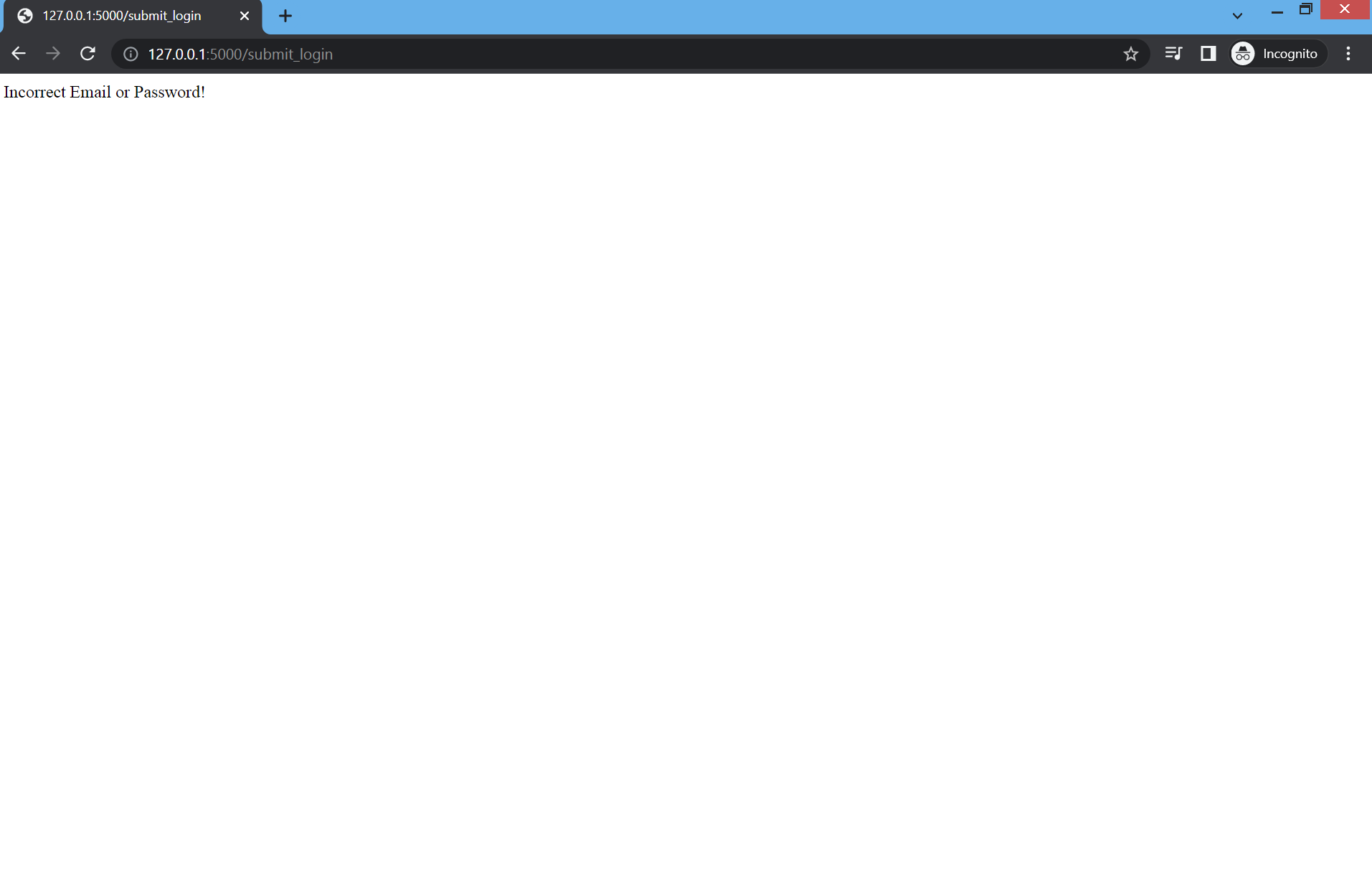
And if you try again and add the incorrect email or password you will see this
Also don’t forget to do this so that if someone clone your project they can just use pip install -r requirements.txt to install all the dependencies that you use



